


Scene Editing & Assembly In Toolbag
Your user experience is fundamental to Toolbag’s design goals, and managing your assets and setting into comfortable workflow should feel as smooth as possible. You can bring your artistic vision to fruition with Toolbag’s lightweight, flexible, and user-friendly editor.
- Customize Your
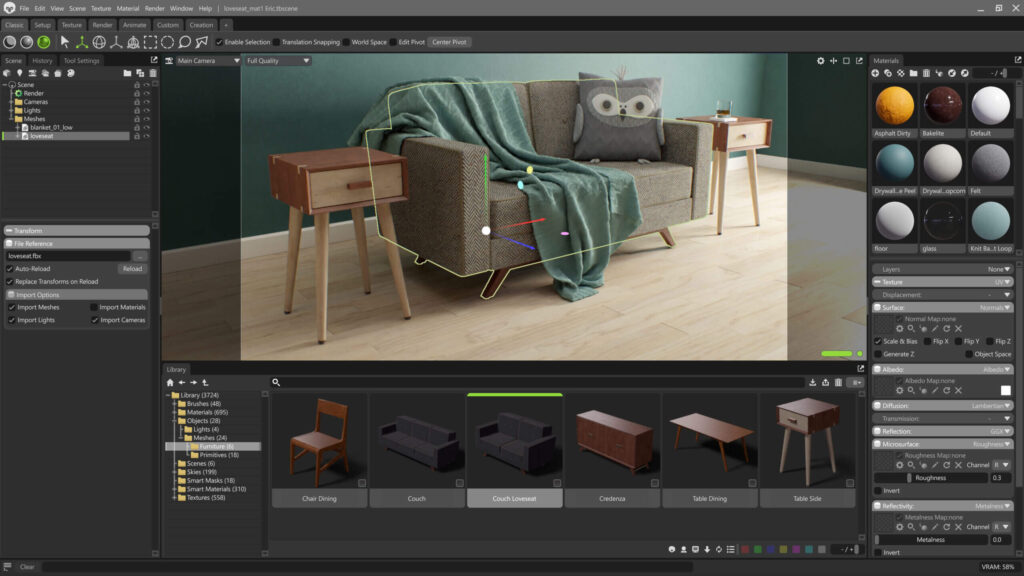
- Seamless Asset Management
- Modular Material Setup
- Make It Move
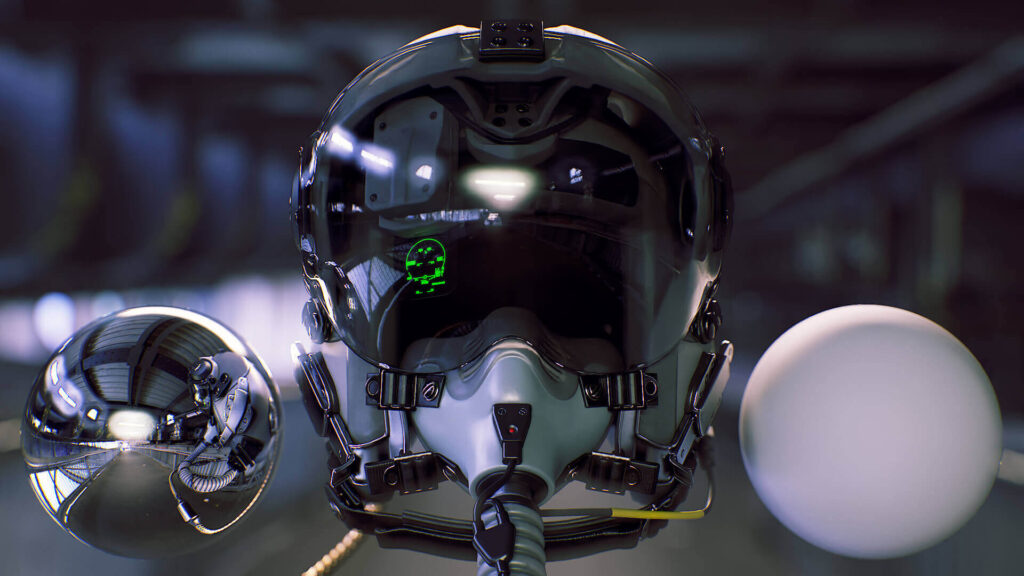
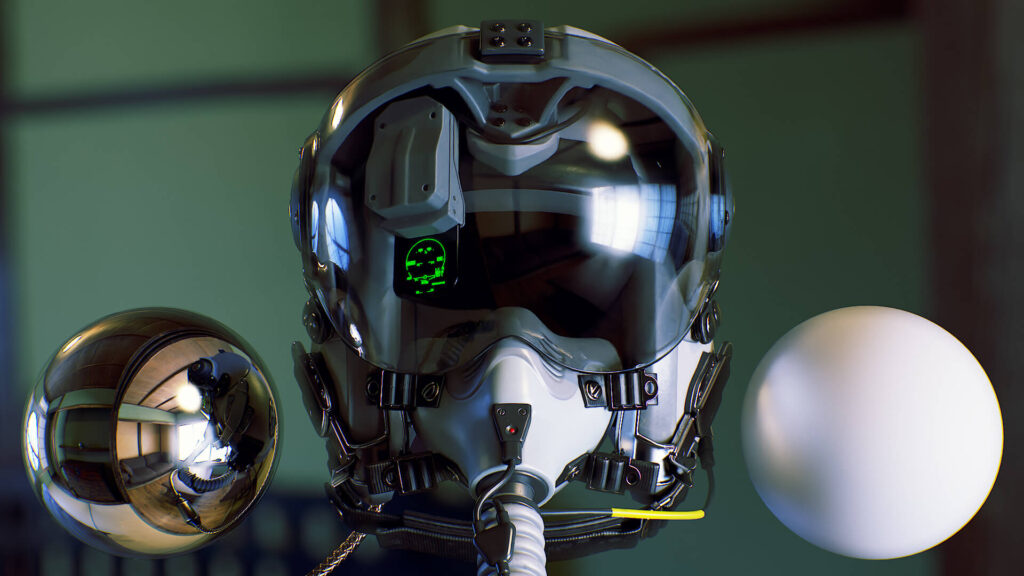
- Streamlined Look Development
Supported File Formats
For complete information on file formats supported, check out the Getting Started category of Toolbag’s documentation.
Scene Import
- Universal Scene Description (.usd, .usda, .usdc)
- Autodesk FBX (.fbx)
- Wavefront Object (.obj)
- Alembic (.abc)
- Hair Groom (via Alembic)
- COLLADA Model (.dae)
- AutoCAD DXF (.dxf)
- 3D Studio (.3ds)
- Polygon File (.ply)
- Stereolithography (.stl)
- Marmoset Mesh (.mesh)
Scene Export
- Universal Scene Description (.usd, .usda, .usdc)
- Marmoset Viewer (.mview)
- Marmoset Scene Bundle (.tbscene)
- WebGL (.glTF)
- Autodesk FBX (.fbx)
- Wavefront Object (.obj)
- COLLADA Model (.dae)
Image Inputs
- Targa Image (.tga)
- Bitmap image (.bmp)
- DirectDraw Surface (.dds)
- Photoshop Document (.psd)
- Photoshop Large Document (.psb)
- TIFF Image (.tif)
- Portable Network Graphics (.png)
- JPEG Image (.jpg)
- Portable Float Map (.pfm)
- Radiance HDR (.hdr)
- OpenEXR (.exr)
- Marmoset Picture Format (.mpic)
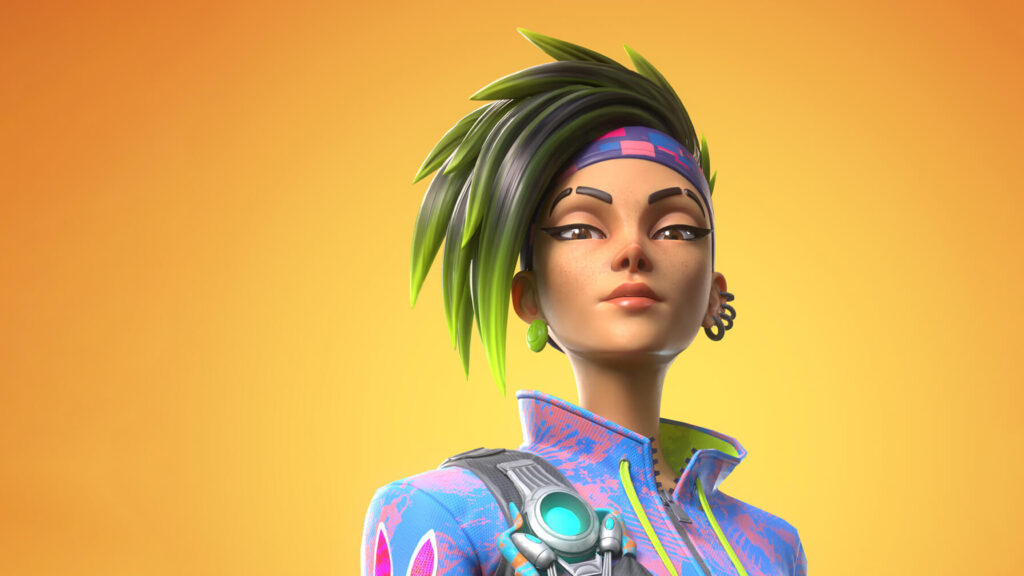

Gabriel Lopes
3D Character Artist
“Toolbag is a great tool that gave me a lot of control over shaders in a straightforward and simple-to-use manner and a quick way to preview my character throughout the entire pipeline.”
Scene Editing Resources
Return Home / Marmoset Toolbag / Edit