


3D Rendering in Toolbag
Craft breathtaking renders with speed using Toolbag’s powerful rendering capabilities. Leverage the power of GPU-accelerated ray-traced rendering, real-time raster rendering, or hybrid mode to craft high-quality renders for 3D professions of all kinds.
- Dynamic Material Projection
- Material Layering
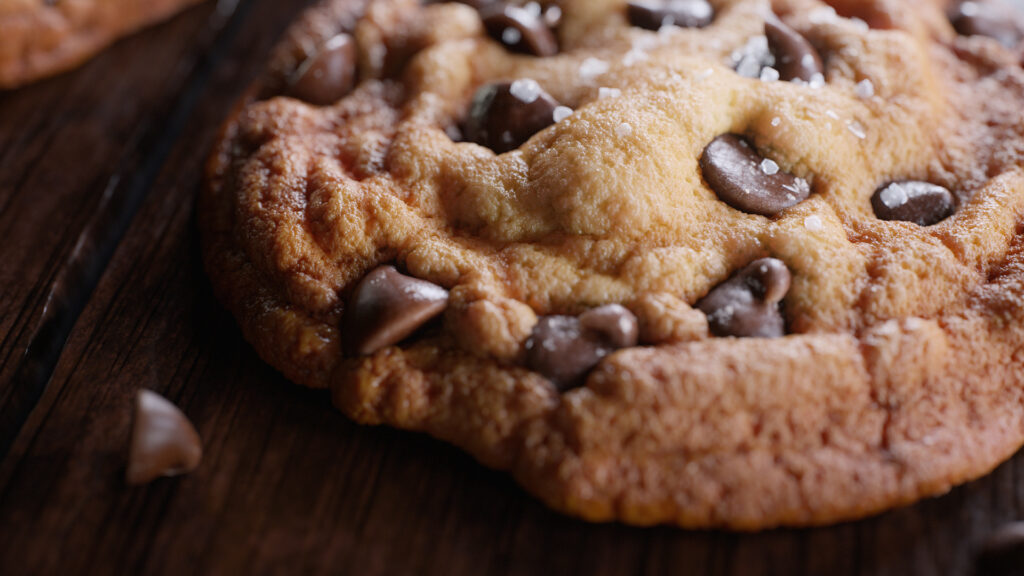
- Realistic Illumination
- Perfect Your Presentation
Choose Your Mode
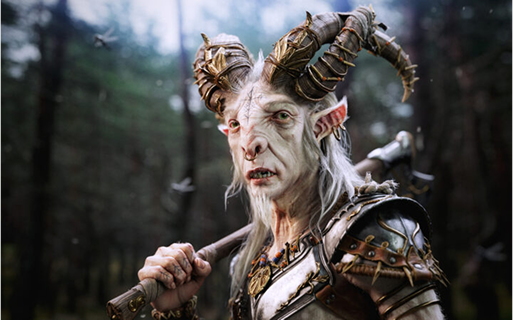
Ray Tracing
Toolbag’s Ray Tracing mode achieves photorealism by simulating the physical behavior of light on all types of materials. Advanced path tracing techniques are used to maximize quality and accuracy, making it the preferred choice in rendering for product and architectural visualization, film art, and high-end game art.
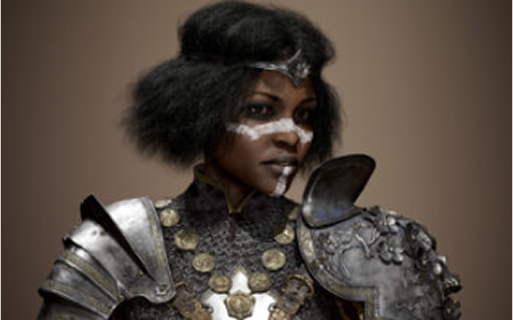
Hybrid
Hybrid mode delivers the perfect fusion of interactivity and high image quality. It separates the processing of lighting passes—such as shadows, global illumination, and reflections—allowing each to be independently denoised. This delivers a smoother, more realistic rendering experience, similar to a game engine.

Raster
Preview your art in real-time with Raster mode and emulate your traditional game engine results with instant feedback. Raster is the default render mode, and perfect for quick iteration when performance is key.
Video Tutorials
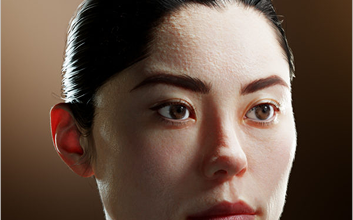
Scattering
Achieve natural skin, wax, and foliage materials with shading models that mimic how light scatters through translucent surfaces
Quick Guide >
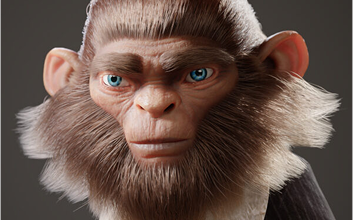
Hair
Render realistic hair and fur on your characters with Toolbag’s Groom spline support and the Hair shading model.
How To Use Grooms >
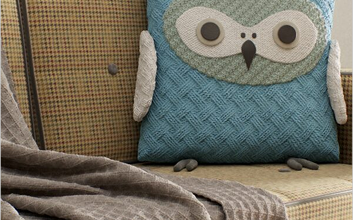
Microfiber
Find the right sheen with Toolbag’s cloth shader, whether you’re working with linen, silk, or wool, to achieve the perfect fabric material.
Rendering Realistic Fabric >
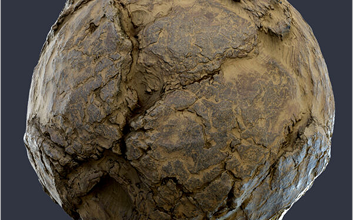
Displacement
Add detail by displacing surface geometry via a height texture map with the Displacement shader.
Displacement Shader Guide >
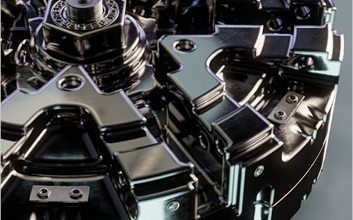
Bevel
Easily round hard edges to give hard surface models such as mechanical models or furniture a natural appearance.
How To Use Bevels >
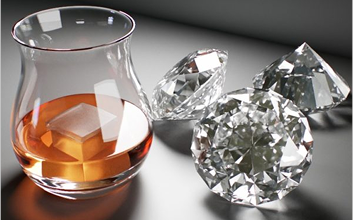
Refraction
Craft physically accurate glass, liquid, and gemstone materials in Toolbag with refracted distortions and caustics.
Texturing And Rendering Glass >

Clearcoat
Polish your material with a coat of finish using the Clearcoat shader. Great for car paint, carbon fiber, and lacquered wood.
Clearcoat Shader Guide >
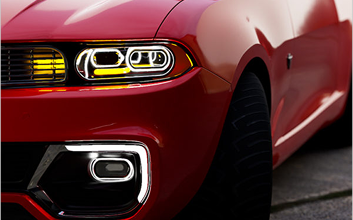
Glint
Add a sparkle effect to your materials with Glint, useful for creating a convincing glistening effect on snow or metallic paint.
How To Use Glint >
Texture Project Specifications
Accelerate render times and deliver exceptional visual fidelity with Toolbag’s native support of hardware-accelerated ray tracing on NVIDIA RTX and AMD RX GPUs.
Base Features
- Multiple Render Modes (Ray Traced, Hybrid, and Raster)
- GPU Hardware-Accelerated Performance
- NVIDIA DLSS Image Upscaling
- Image-Based Sky Lighting (HDRI)
- Procedural Sky Lighting (time of day and atmospheric controls)
- Dynamic Lights – Omni / Spot / Directional
- Light Temperature Control (kelvin)
- Material Projection Modes – UV / UDIM/ Triplanar
- Material Layering
- Modular Material Setup
- Volumetric Fog
- Shadow Catcher (with custom mesh support)
Ray Traced Rendering
- Indirect Light Bounces
- Transmission Light Bounces
- Caustic Paths – Coarse / Medium / Fine
- Advanced Light Sampling
- Diffuse Intensity
- Reflection Intensity
- Direct Radiance Clamp
- Indirect Radiance Clamp
- Viewport Samples (frame accumulation)
- Adaptive Framerate
- Real-time GPU Denoiser (hardware accelerated)
- CPU Denoiser
Hybrid Rendering
- Diffuse GI Bounces
- Specular Light Bounces
- Refraction Bounces
- Direct Lighting Clamp
- Indirect Lighting Clamp
- Shadow Offset
- Light Sampling Quality
- Viewport Samples (frame accumulation)
- GPU Denoiser – independent control for Direct Lighting, Diffuse GI, Specular
Raster Rendering
- Cascading Shadow Maps
- Shadow Offset
- Screen Space Ambient Occlusion (AO)
- Ray Traced AO
- AO Color
- Diffuse Light Occlusion
- Specular Light Occlusion
- Local Reflections
- Local Diffuse Scattering
Camera Lens Effects
- Interactive (Real-Time) Bake Mode
- Offline Bake Mode w/ Real-Time Preview
- UDIM & Multiple Texture Set Baking
- Bevel Shader Baking
- Skew Map Painting
- Cage Offset Painting
- Mesh Quick Loader
- Bake Groups
- Texture Project Live-Link
Post Effects
- Multi-File or Multi-Layer PSD Output
- Samples Per Pixel (1x, 2x, 4x, 8x, 16x, 32x)
- Soften Filter
- Bits/Channel (8, 16, 32)
- Adjustable UV Padding
- Up to 8192 x 8192 resolution
Output Options
- Use/Ignore Hidden Meshes
- Ignore Transforms
- Smooth Cage (average cage normals)
- Ignore Back Faces
- Fix Mirrored Tangents
- Tangent Spaces – Mikk, Maya, 3DS Max, Marmoset
- Tangent Calculation – Per-Pixel / Per-Vertex
- Tangent Orientation – Left-Handed / Right-Handed
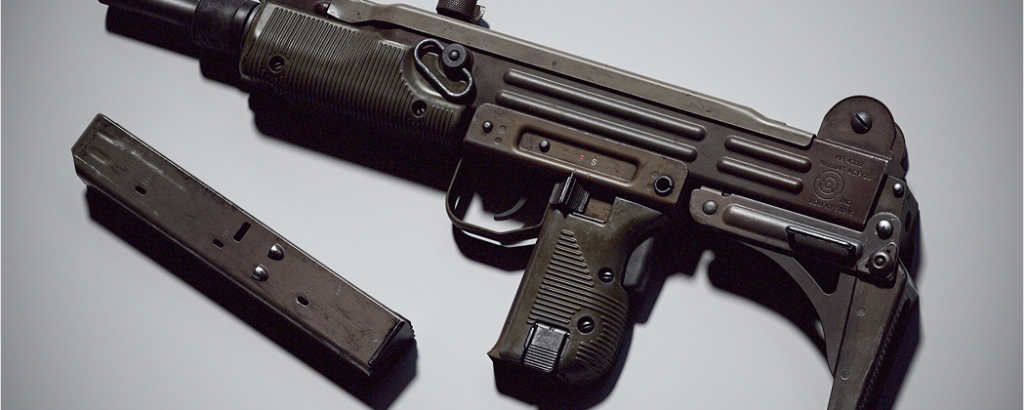

Dan Kenton
Senior 3D Artist
“Marmoset Toolbag is my favorite software to render in because of its ease of use. Getting a photorealistic lighting setup can be done in just a few clicks.”
Baking Resources
Return Home / Marmoset Toolbag /Render